

Website Redesign Checklist for Growing Businesses in Mumbai
A potential client in Andheri asks for your website link during a call. You send it, then add, “Please ignore the old design, we are updating it soon.” If you have said something like that, even once, your website may already be costing you attention.
Many Mumbai businesses reach this point. The website was built a few years ago and served the business well. Since then, the services have changed, more visitors use phones, and competitors have better-looking sites. The pages load slowly, the menu is confusing, and enquiries have slowed down. Sometimes the website simply no longer looks like the business it represents.
This guide is a practical website redesign checklist for business owners who already have a website. You will learn how to tell whether you need a redesign, what to review before you start, how the process works, what it may cost, and which mistakes to avoid.
What Is Website Redesign?
A website redesign means changing how your existing website looks, works, or is organised so it serves your business better. It can include a new layout, a clearer menu, faster pages, better mobile display, or updated content.
There are two broad approaches.
Targeted improvements fix specific problems on your current website. For example, you may keep the structure and content but improve the mobile layout, speed up the pages, and refresh the homepage.
A complete redesign rebuilds the website’s design and layout more thoroughly. This makes sense when the problems run deep: an outdated design throughout, a confusing structure, or a platform that no longer fits your needs.
A complete redesign is not always necessary. Many small business website redesign projects begin with a simple question: what is actually not working? Once you know that, you can decide how much needs to change.
When Should Your Business Consider a Website Redesign?
These are common signs that your website needs attention. None of them proves a redesign is required on its own, but each is worth checking.
1. Your website looks outdated. If your logo, colours, or photos have changed since the website was built, visitors see two different versions of your business. A hospital group that has upgraded its facilities but still shows old photos is a good example.
2. It does not work well on mobile devices. Open your website on your phone. If you have to pinch and zoom to read text, or the buttons are too small to tap, mobile visitors are likely leaving frustrated. Many people in Mumbai browse on their phones, often while travelling.
3. It loads slowly. A page that takes too long to open tests a visitor’s patience. An online store with large, unoptimised product photos is a typical case.
4. Visitors find it hard to navigate. If someone looking for your pricing or contact details has to click through five pages, the menu probably needs rethinking. Navigation is simply how your pages and menus are organised.
5. It does not generate enough enquiries. Low enquiries do not automatically mean the website is the problem. Your pricing, your marketing, or your competition may play a part. But if people visit and leave without contacting you, the design, content, or contact options deserve a close look.
6. Your services or audience have changed. A consulting firm that now serves startups, not just large companies, may find that its website still speaks to the old audience.
Website Redesign Checklist: 12 Important Things to Review
Work through these points in order. Some will take ten minutes, others a few days. Together they show you what to fix, what to keep, and what to ask your web team.
1. Define your website redesign goals
Start with what you want the website to do. “Make it look better” is too vague to guide a project.
Better goals sound like this:
- Get more enquiry form submissions.
- Make the website easier to use on phones.
- Present a new service clearly.
- Replace outdated business information.
Write down two or three goals. Every later decision becomes easier when you can ask, “Does this help us reach our goal?”
2. Review your existing website structure
List every page on your website. Mark which ones bring visitors, which ones are outdated, and which ones are duplicates or no longer needed.
This tells you what to keep, improve, merge, or remove. It also matters later for search visibility, because pages that already have visitors should be handled carefully.
3. Check website design and branding
Compare your website with your brand today. Look at your logo, colours, fonts, photos, and tone of writing.
Ask yourself:
- Would a new customer trust this website at first glance?
- Is the design consistent from page to page?
- Does it still reflect the quality of your work?
4. Test mobile responsiveness
A responsive website adjusts itself to fit mobile, tablet, and desktop screens. Check yours on a few different devices, not only your own phone.
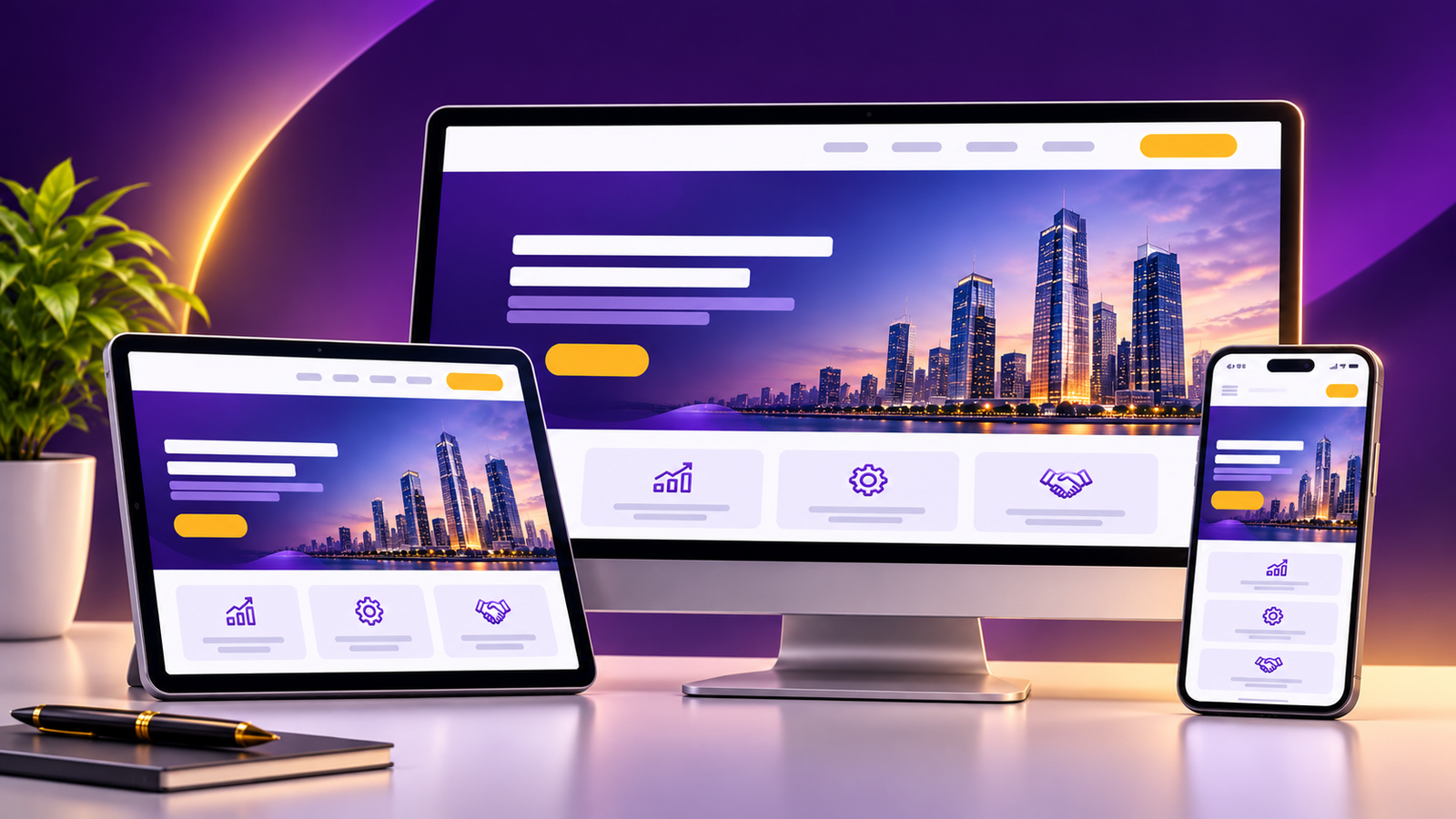
Look for text that is too small, buttons that are hard to tap, images that get cut off, and menus that do not open properly. Mobile responsiveness should be a starting point of the redesign, not a final check.
5. Review website loading speed
Slow pages frustrate visitors and can make them leave before they see anything. Free tools such as Google PageSpeed Insights show how your pages perform and what is slowing them down.
Common causes include very large images, too many plugins or add-ons, and heavy page layouts. Note the slowest pages and share the report with your developer.
6. Improve navigation and user experience
User experience is how easy and pleasant your website is to use. Try this simple exercise: ask a friend who does not know your business to find your contact number and one of your services. Watch where they hesitate.
Good navigation usually means:
- A short, clear main menu.
- Service pages that are easy to find.
- Contact details reachable from any page.
7. Review website content
Read your content as a customer would. Is the information current? Are the prices, addresses, phone numbers, and service descriptions correct?
Do not delete content just because the design is changing. Pages that already attract visitors, or that explain your services well, often deserve to be kept and improved. Replace what is outdated, and keep what works.
8. Review SEO before redesign
This is the part of the SEO checklist for website redesign that many owners skip. A redesign can change your page addresses (URLs), page titles, and structure. If these change carelessly, visitors and search engines may land on error pages.
Before the redesign begins, record:
- Your important existing URLs.
- Page titles and headings of your key pages.
- Which pages bring visitors, if you use Google Search Console or Google Analytics.
- Any URLs that will have to change.
If a URL has to change, a 301 redirect should be set up. A 301 redirect automatically sends visitors and search engines from the old address to the relevant new one.
A redesign alone does not improve search rankings. It protects what you have, and SEO work needs to be planned separately.
9. Check website security
Check that your website uses HTTPS (the padlock in the browser address bar), that the software and plugins are up to date, and that someone can restore the website from a backup if something goes wrong. Ask who handles security after the redesign is complete.
10. Test forms and website functionality
Fill in every form on your website yourself. Check that the enquiry arrives in the right inbox and that visitors see a confirmation message. Click every phone number and email link. For stores, test the cart, checkout, and payment steps.
A form that silently fails can lose you enquiries for months without anyone noticing.
11. Review calls to action
A call to action is the next step you want a visitor to take, such as “Request a Quote” or “Call Us”. Check that each important page has a clear one, and that it is easy to see on a phone.
Too many different buttons on one page can confuse people. One main action per page works better. This is the practical side of conversion-focused design: making it simple for visitors to get in touch.
12. Test the website before launch
Before the new website goes live, run a full final check:
- Test on desktop, tablet, and mobile.
- Click all navigation links.
- Submit all contact forms.
- Check phone and email links.
- Confirm that images display properly.
- Check loading performance.
- Proofread the content.
- Confirm that existing URLs are preserved.
- Check that 301 redirects work for any URLs that changed.
- Confirm HTTPS and the SSL certificate are working.
- Look for broken links.
- Take a full backup.
- Get final approval from the decision-maker.
Website testing feels slow, but it is much cheaper to find problems before launch than after.
Website Redesign Process: What Happens Step by Step?
The exact website redesign process depends on the project, but most follow these stages.
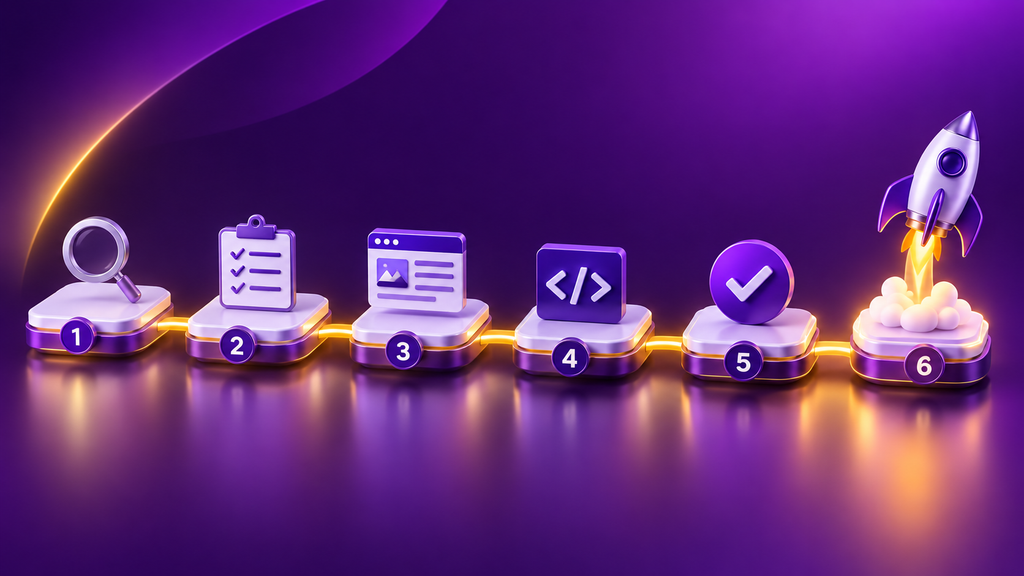
- Website assessment. The current website is reviewed for design, speed, mobile display, structure, content, and technical condition. This shows whether targeted improvements are enough or a complete redesign is needed.
- Project planning. Goals, pages, features, timeline, and budget are agreed. The scope is clear before work begins.
- Design and layout planning. The new look and page layouts are prepared. For higher-budget projects, this can include custom Figma UI/UX design before development begins. Figma work depends on the agreed budget and scope, so it is not part of every project.
- Website development. The approved design is built into a working website on your platform, such as WordPress, Shopify, or a custom setup.
- Content and functionality review. Existing content is checked, updated, and moved across. Forms, menus, and features are tested.
- Testing and launch. The full pre-launch checklist above is completed, then the website goes live.
- Post-launch support. Early issues are fixed after launch. This is why you should always ask what support is included.
Website Redesign Cost in Mumbai: What Should Businesses Expect?
Cost depends on several things:
- The condition of your existing website.
- The number of pages.
- Design requirements.
- The platform you use.
- Functionality, such as online payments or booking.
- Any custom features.
If you are comparing website redesign services in Mumbai, ask each provider what exactly is included in the quote, since scope varies widely.
At IQRA Digital Solutions, website redesign starts at ₹25,000. This is a starting price, not a fixed quotation. The final cost depends on the website’s condition, your requirements, the pages, the design, the functionality, and the agreed scope.
For reference, these are IQRA’s starting prices for website services:
| Website Service | Starting Price |
|---|---|
| Basic Business Website | ₹20,000 |
| Corporate Website | ₹25,000 |
| WordPress Website | ₹12,000 |
| Custom Website | ₹30,000 |
| E-commerce Website | ₹30,000 |
| Shopify Website | ₹30,000 |
| B2B Website | ₹20,000 |
| Website Redesign | ₹25,000 |
A few more things to know:
- Timeline: typically 30–45 days, depending on project scope and requirements.
- Payment: 50% advance.
- Domain and hosting: charged separately.
- Post-redesign support: one month is included.
- Ongoing maintenance after that period is separate and depends on scope.
If you are comparing website redesign companies, ask each one the same questions about timeline, support, and what is not included. A quote is only useful when you know what it covers. To see IQRA’s wider services, visit our website development company in Mumbai page.
Website Redesign for WordPress and Shopify Businesses
The platform you use shapes how a redesign is planned.
WordPress Website Redesign
A WordPress redesign usually starts with what you already have. Points to review:
- Existing theme: is it still supported, and does it limit your design?
- Page layouts: which layouts work, and which feel dated?
- Plugins: which ones are still needed? Unused plugins can slow a website down.
- Navigation: is the menu easy to follow?
- Mobile responsiveness: does every page display well on phones?
- Existing content and functionality: forms, blogs, and other features should keep working after the change.
Shopify Website Redesign
A Shopify store redesign focuses on how customers browse and buy. Points to review:
- Storefront layout: is it easy to find products?
- Product presentation: photos, descriptions, and variants.
- Navigation: are categories logical?
- Product pages: do they give shoppers what they need to decide?
- Cart and checkout: is the path to payment simple?
- Payment integrations: do all payment options still work after the change?
- Existing product information: what must be carried over accurately?
Website Redesign Examples: Hatti Butti and MEDFY
IQRA has worked on migration and redesign-related projects for Hatti Butti and MEDFY. In both cases, the websites moved from older WordPress setups to Shopify.
Common Website Redesign Mistakes to Avoid
1. Redesigning without clear goals. Without goals, the project becomes a matter of personal taste. Decide what success looks like first.
2. Ignoring mobile users. A design that looks great on a large monitor but struggles on a phone fails many of your visitors.
3. Removing useful content. Do not discard pages and text that already work just because the design is new.
4. Changing URLs without redirects. Visitors and search engines who follow an old link will hit an error page. Where URLs must change, set up 301 redirects.
5. Ignoring website functionality. Forms, payment links, and booking tools must be tested. A beautiful website with a broken enquiry form is a costly mistake.
6. Overlooking website speed. Heavy images and large layouts can undo a good design.
7. Not planning post-launch support. Small issues often appear after launch. Know who will fix them, and for how long.
8. Assuming SEO is automatically included. A redesign and SEO are not the same service. Ask directly what is and is not covered.
Frequently Asked Questions About Shopify
1. How much does website redesign cost in Mumbai?
It depends on your existing website, the number of pages, the design, the platform, and the features you need. At IQRA, website redesign starts at ₹25,000. The final price is confirmed after your requirements are understood.
2. How long does it take to redesign a website?
Typically 30–45 days, depending on project scope and requirements. A larger website with more pages and features may need more time than a smaller one.
3. Do I need a complete website redesign or just a few improvements?
Not always a complete redesign. If your structure and content are sound, targeted improvements to design, speed, or mobile display may be enough. A review of the current website is the best way to decide.
4. Can I redesign my existing WordPress website?
Yes. A WordPress website can be redesigned with its existing content and functionality taken into account. IQRA works on existing WordPress websites.
5. Can I redesign my Shopify store without losing my products?
A Shopify redesign is planned with your existing product information in mind. The aim is to preserve existing content wherever possible. Confirm with your provider how your product data will be handled before work starts.
6. Will a website redesign affect my Google rankings?
It can, if URLs, content, or structure change carelessly. Preserving existing URLs and setting up 301 redirects where needed reduces that risk. No one can guarantee how rankings will change after a redesign.
7. Is SEO included in website redesign services?
At IQRA, SEO is not automatically included in every redesign. It can be discussed, scoped, and priced separately if you need it.
8. Will my existing website content and URLs be preserved?
Wherever possible, yes. If any URLs need to change, 301 redirects are put in place to send visitors and search engines to the relevant new page.
9. Does website redesign include domain and hosting?
No. Domain and hosting charges are separate.
10. Is post-launch maintenance included?
One month of post-redesign maintenance and support is included. Ongoing maintenance after that is separate and depends on the scope.
Final Verdict: WordPress or Shopify?
Planning a Website Redesign for Your Business in Mumbai?
A redesign works best when it starts with a clear picture of what is working and what is not. Some websites need a complete rebuild. Many only need a few well-chosen improvements.
IQRA Digital Solutions can assess your existing website and help you decide whether targeted improvements or a complete redesign suits your business. You do not need a fixed plan before the conversation. Your goals and current problems are enough to start with.
Book a Free Website Consultation
Written by the performance marketing team at IQRA Digital Solutions, their years of experience with SEO strategy and and digital marketing for B2B lead generation. LinkedIn